Chatbot Data Sources: What to Connect and How to Keep It Accurate
Chatbot data sources explained: which business content, product feeds and documents to connect, how to keep them fresh, and what to protect.

A website chatbot is only as good as the information it reads from. For a small business, the useful data sources are your FAQs, your website pages, your product catalog, your policies and your past conversations, in that rough order of importance. Connect those, keep them current, and the assistant answers like someone who knows your business. Skip them, and it guesses.
This guide explains what each source does, how to prepare it, how often to refresh it, and what to keep out. It is written for owners who run a website without a support team and want answers to be right the first time.
TL;DR
- Start with the sources visitors ask about most: FAQs, shipping and returns policies, pricing, and product data.
- Structured data (a product feed, a clean FAQ list) beats facts buried in long paragraphs or images.
- Refresh product and availability data at least daily; other content whenever the underlying page changes.
- Keep personal data out of anything the assistant reads or learns from, and anonymize conversation logs before you reuse them.
- Check accuracy by asking the assistant your own top 20 customer questions after every significant change.
Table of Contents
- What “data sources” means for a chatbot
- The main data sources, ranked by impact
- Why structure beats prose
- What to connect first: a practical order
- Keeping data fresh
- Checking accuracy
- Privacy and security when connecting data
- Perspective
- Put your data sources to work
- FAQ
- Sources
What “data sources” means for a chatbot
Two different things get called chatbot data, and mixing them up causes confusion.
The first is the training data behind the underlying language model. OpenAI describes its foundation models as built from publicly available internet information, information accessed through third-party partnerships, and information provided or generated by users, human trainers and researchers. That data teaches a model how language works. It knows nothing about your return window or whether your blue jacket comes in a medium.
The second is the knowledge you connect: the content the assistant looks up when a visitor asks a question. This is what a business controls, and it is what the keyword “chatbot data sources” means in practice. You do not retrain a model. You give the assistant material to answer from, and you keep that material correct.

That distinction is good news for a small business. You do not need a dataset of millions of conversations. You need a few hundred accurate facts, organized so the assistant can find them.
The main data sources, ranked by impact
| Source | What it answers | Effort to prepare | How often it changes |
|---|---|---|---|
| FAQs | Repeat questions about orders, hours, policies | Low | Occasionally |
| Website pages | Services, about, location, pricing | Low | Occasionally |
| Product catalog or feed | Products, variants, prices, stock | Medium, then automatic | Daily or faster |
| Policy documents | Shipping, returns, warranty, terms | Low to medium | A few times a year |
| Spreadsheets and price lists | Service rates, size charts, compatibility | Medium | Varies |
| Conversation history | Gaps in your content, real phrasing | Medium | Continuous |
FAQs
Your FAQ is the highest-value source because it is already written as question and answer. A visitor’s question maps directly to a stored answer, with little room for misreading.
Write each entry so it stands alone. “Yes, within 30 days” fails if the assistant reads it without the question above it. “You can return unworn items within 30 days of delivery for a refund to your original payment method” works anywhere. One question per entry, and name the thing you are talking about.
If your FAQs are scattered across a page, a PDF and an old email template, consolidate them first. Our guide to organizing FAQs in a chatbot walks through grouping and wording.
Website content
Your service pages, about page, location details and pricing pages already contain what customers ask about. Pointing the assistant at your site means it answers from the same words you publish, which keeps it consistent with what visitors see.
The catch is that websites are written for browsing, not answering. A page that says “contact us for details” gives the assistant nothing. Before connecting, read your main pages as a stranger would and fill in the missing specifics: what you charge, where you operate, how long things take.
Product catalog
For a store, this is the source that matters most and the one that goes stale fastest. Visitors ask whether something is in stock, what it costs, whether it comes in another size, and whether it fits a particular use. Answers depend on current data.
A product feed is the cleanest route. Microsoft’s guidance on AI shopping says a feed should include the full catalog with accurate titles, descriptions, GTIN or MPN, real-time availability, pricing and product category, with a unique ID for each product. The same idea applies whether the consumer is a shopping engine or your own website assistant.
Variants need particular care. OpenAI’s commerce documentation recommends a stable product ID plus a unique variant ID for each purchasable option, keeping title, URL, description, media, availability and price specific to the variant when they differ. If a red size small is out of stock but the blue size small is not, the chatbot can only say so if the feed treats them as separate items.
On Konvuno, catalogs sync automatically from WooCommerce or any Google Merchant or Facebook product feed, so product, price and availability answers stay current without manual uploads. If you want the step-by-step, see how to get an accurate product feed chatbot live in one day.
Policy documents
Shipping times, return rules, warranty terms and privacy statements generate a steady stream of questions, and wrong answers here cost real money. Use the current text, not a draft. If a policy exists in a PDF and on a web page and the two differ, fix that before you connect either.
Spreadsheets and price lists
Many small businesses keep their real information in a spreadsheet: service rates, installation fees, size charts, compatibility tables. These work well when each row is self-explanatory. A column headed “S” with numbers beneath it is meaningless out of context. A column headed “Chest measurement, size S, in inches” is not.
Size and fit data deserves its own attention, since answers there need both fresh data and honest limits. We cover that in size guide chatbot answers.
Conversation history
This source is different: it is not what you feed in at the start but what you learn once the assistant is live. Real visitor questions show you what is missing from your FAQs and what wording people actually use. Review them regularly and add answers for the questions that came up repeatedly. See chat transcript analysis for a method that keeps raw transcripts reusable.
Why structure beats prose
A chatbot reads a clearly labeled field more reliably than a fact tucked into a paragraph. Shopify’s enterprise team makes the point for AI shopping agents: machines prefer structured, labeled data, and burying critical facts in unformatted text or images lowers an agent’s confidence in recommending a product.
The same logic holds for a support assistant. Compare two versions of the same fact:
- Buried: “Our popular trail jacket, which many customers love for hiking, is a great choice and usually ships quickly, though sizing can vary.”
- Structured: Product: Trail Jacket. Material: ripstop nylon. Waterproof: yes. Ships in: 1 to 2 business days. Sizes: S to XXL.
The second version gives the assistant something it can quote without inventing. Facts that live only inside an image, such as a size chart saved as a JPEG, are effectively invisible. Put them in text. If you want a broader view of why chatbots matter to a business and why clean inputs make them useful, the piece on the role of chatbots in business is a good companion.
Images do have a place in a catalog chatbot, as long as the text around them is complete. See product images in a chatbot.
What to connect first: a practical order
Do not try to connect everything on day one. A sequence that works for most small sites:
- Top 20 questions. List the questions you or your team answer most often. Write clean answers. This is your core FAQ.
- Policies. Shipping, returns, payment, warranty. Use current text.
- Core website pages. Services, pricing, contact details, service area.
- Product feed. Connect the feed and check the first synced products against your store.
- Spreadsheets. Add size charts, rate tables or compatibility lists, rewritten so each row stands alone.
- Review loop. Once live, read the questions visitors ask and fill gaps weekly at first.
If you want a full walkthrough, how to connect your data to a website chatbot covers the mechanics.
Keeping data fresh
Outdated information is the most common reason a chatbot gives a wrong answer. The rule of thumb from Microsoft’s AI shopping guidance is to refresh product feeds and business data at least daily, and more often for fast-changing inventory, to avoid losing visibility to stale information. That guidance is aimed at shopping channels, but a stale price or a wrong stock status hurts a website assistant in exactly the same way.
A workable refresh plan:
- Products, prices, availability: automatic sync from the feed, daily at minimum. Sale prices and low-stock items benefit from more frequent checks.
- FAQs and policies: update the same day a policy changes, not at the next quarterly review.
- Website content: re-read after any redesign or pricing change.
- Seasonal information: holiday hours and shipping cutoffs are the classic traps. Put a reminder in your calendar before each season.
If you use Google Merchant Center, the same Microsoft guidance advises turning on alerts for feed processing failures, disapproved products, price discrepancies and out-of-stock mismatches. Those alerts catch the same errors that would otherwise surface as wrong chatbot answers.
When a feed misbehaves, the usual culprits are missing variant IDs, blank availability fields and exports that did not finish. Our seven-step feed fix shows how to inspect them. For non-product content, updating chatbot content without retraining explains why changes go live in minutes instead of weeks.
Checking accuracy
Connecting a source is not the same as trusting it. Test before launch and after each major change.
- Build a test list. Take your 20 most common customer questions, plus 10 awkward ones: a discontinued product, a question you do not cover, a misspelled product name.
- Ask each one and compare to the source. Every answer should match your FAQ, page or feed. Note anything invented.
- Test prices and stock. Pick five products, change a price or stock level in your store, and confirm the assistant reflects it after the next sync.
- Test the edges. Ask something outside your knowledge. A good setup says it does not know and offers a human, rather than improvising.
- Repeat monthly. Data drifts. A short monthly check beats a big annual cleanup.
Human handoff is part of data quality. When a question needs a person, such as a custom quote or a complaint, the assistant should pass it on instead of stretching your content to cover it.
Privacy and security when connecting data
Before you connect anything, decide what the assistant should never read.
- Keep customer records out of the knowledge base. Order histories, addresses, payment details and support tickets with personal information are not reference content. Connect public-facing material: FAQs, product data, policies.
- Anonymize conversation logs before reuse. If you analyze past chats to improve content, strip personally identifiable information first. Callsphere’s engineering write-up recommends anonymizing conversation logs to remove personal details before they become training data, and notes that raw logs hold valuable domain-specific insight but need cleaning pipelines to be usable.
- Separate internal from public. Internal pricing notes, supplier costs and draft policies should not sit in anything the assistant can quote.
- Check what visitors can type. People sometimes paste phone numbers or order numbers into a chat. Decide how long you keep those transcripts and who on your team can read them.
- Know your obligations. If you serve visitors in the EU or California, your privacy notice and data handling rules may apply to chat transcripts and captured leads. Ask a qualified privacy professional about your specific situation.
The simple test: if you would not print it on your website, do not connect it.
Perspective
We built Konvuno around a belief that most small businesses do not have an AI problem. They have a content-organization problem. The answers already exist in a FAQ page, a product feed, a spreadsheet and the owner’s head. What is missing is a way to put them in front of visitors at the moment they ask.
That is why we focus on connecting data you already have rather than asking you to build a dataset. A single script tag puts the widget on your site, and everything else is configured from a hosted dashboard: FAQs, website content, and product catalogs that sync from WooCommerce or any Google Merchant or Facebook feed. You can configure and preview before you pay, and there is no per-seat pricing or developer dependency in the way.
We also think the review loop matters as much as the setup. The analytics on what visitors actually ask tell you which source to improve next, and the built-in CRM captures the leads that come out of those conversations. Good data sources are not a one-time project. They are a habit, and we designed the dashboard to make that habit take minutes, not days.
Konstantin
Put your data sources to work
If you have a website, a few FAQs and a product feed, you already have most of what an assistant needs. Konvuno connects those sources through one lightweight widget and a hosted dashboard, with plans at €29 per month (Starter), €79 per month (Growth) and €199 per month (Business). Every plan includes full conversational catalog capabilities, and you can configure and preview before you pay.
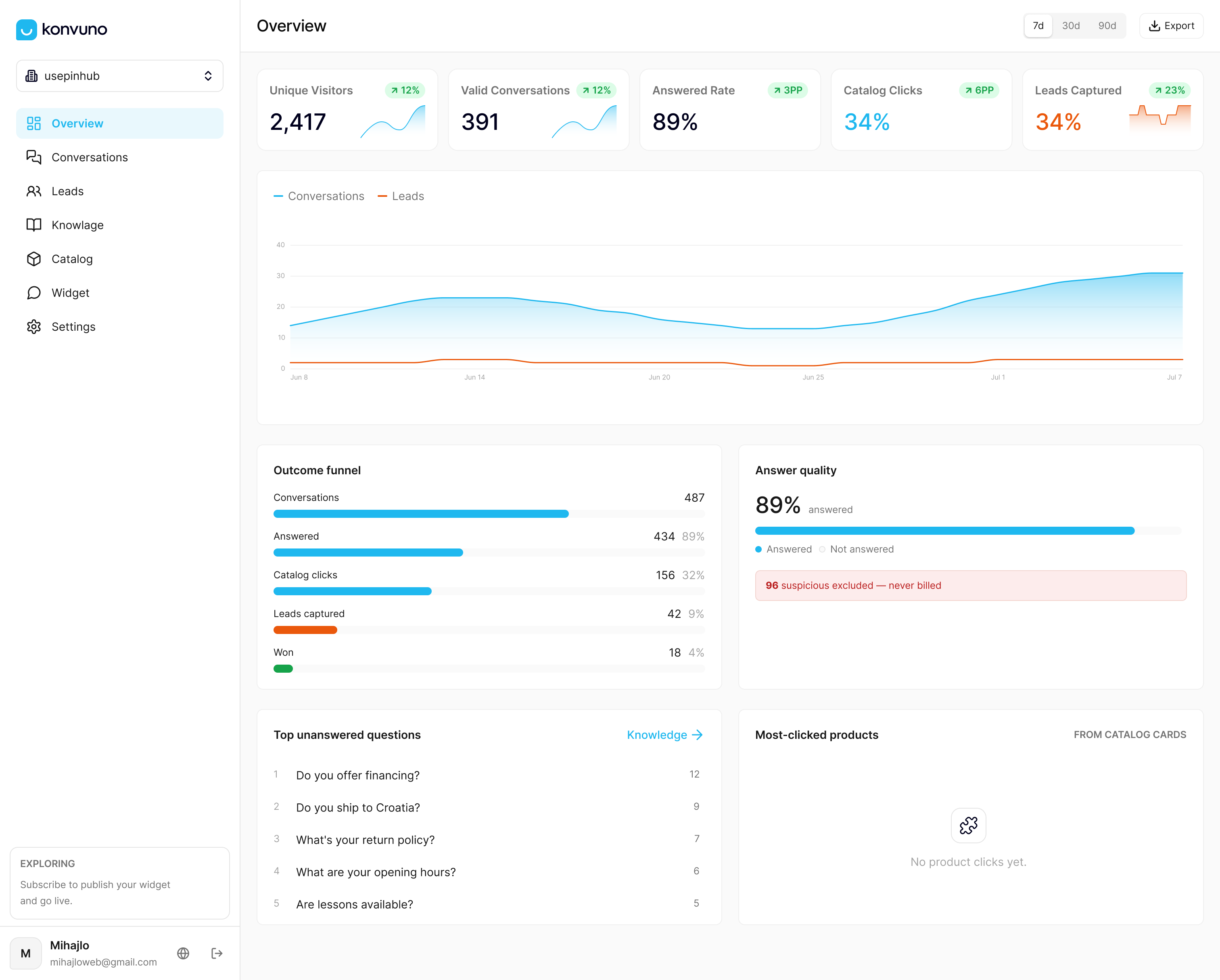
See the plans and set up your first sources at Konvuno.
FAQ
What data sources can a website chatbot use?
Most small business chatbots draw on FAQs, website pages, policy documents, spreadsheets and a product catalog. Stores add a synced product feed so prices and availability stay current. Over time, real visitor questions become another source for finding gaps.
Do I need to train a chatbot on my own data?
Usually not in the sense of building a model. The underlying language model is already trained, as OpenAI explains. Your job is to connect accurate business content the assistant can answer from and keep it up to date.
How often should chatbot data be updated?
Product, price and stock data should refresh at least daily, and faster if inventory moves quickly. FAQs and policies should change the same day the underlying rule changes. A monthly accuracy check catches the rest.
Can a chatbot read PDFs and spreadsheets?
The format matters less than the clarity. Text-based documents and spreadsheets work best when each entry stands alone and labels are descriptive. Facts that exist only inside images, such as a size chart saved as a picture, should be rewritten as text.
Is it safe to connect customer data to a chatbot?
Connect public-facing content, not personal records. Keep order histories, addresses and payment details out, and anonymize any conversation logs before you reuse them for analysis or improvement.
Sources
- How ChatGPT and our foundation models are developed, OpenAI Help Center
- AI shopping, Microsoft Advertising
- Best practices, OpenAI commerce guides
- 8 Tips to Prepare Your Product Data for AI Channels, Shopify
- ETL for AI agent training data, Callsphere
- The Role of Chatbots in Business Success Today